
Skip region workarounds
Use a separate local app instead of changing Apple Account regions, chasing VPN advice, or following unlock guides.
Mirror and control your iPhone from your Mac with an app built for European users.
✔︎ Avoid the pain of double accounts.
✔︎ No jaibreak needed.
✔︎ No VPNs.
No credit card or sign up required.
Same Mac. Same iPhone. Fewer features in Europe. Specchio gives European Mac users an alternative without changing regions, using VPNs, or touching jailbreak tools.
Use a separate local app instead of changing Apple Account regions, chasing VPN advice, or following unlock guides.
Specchio is designed around your Mac and iPhone, with no cloud mirroring pipeline in the middle.
Workflow
Open mobile-only apps, check social tools, verify app state, or handle a quick support question from the Mac you are already using.
Learn moreControl
Specchio keeps the interaction practical: mirror the phone, control what is on screen, and capture what you need without turning the app into a production suite.
Learn more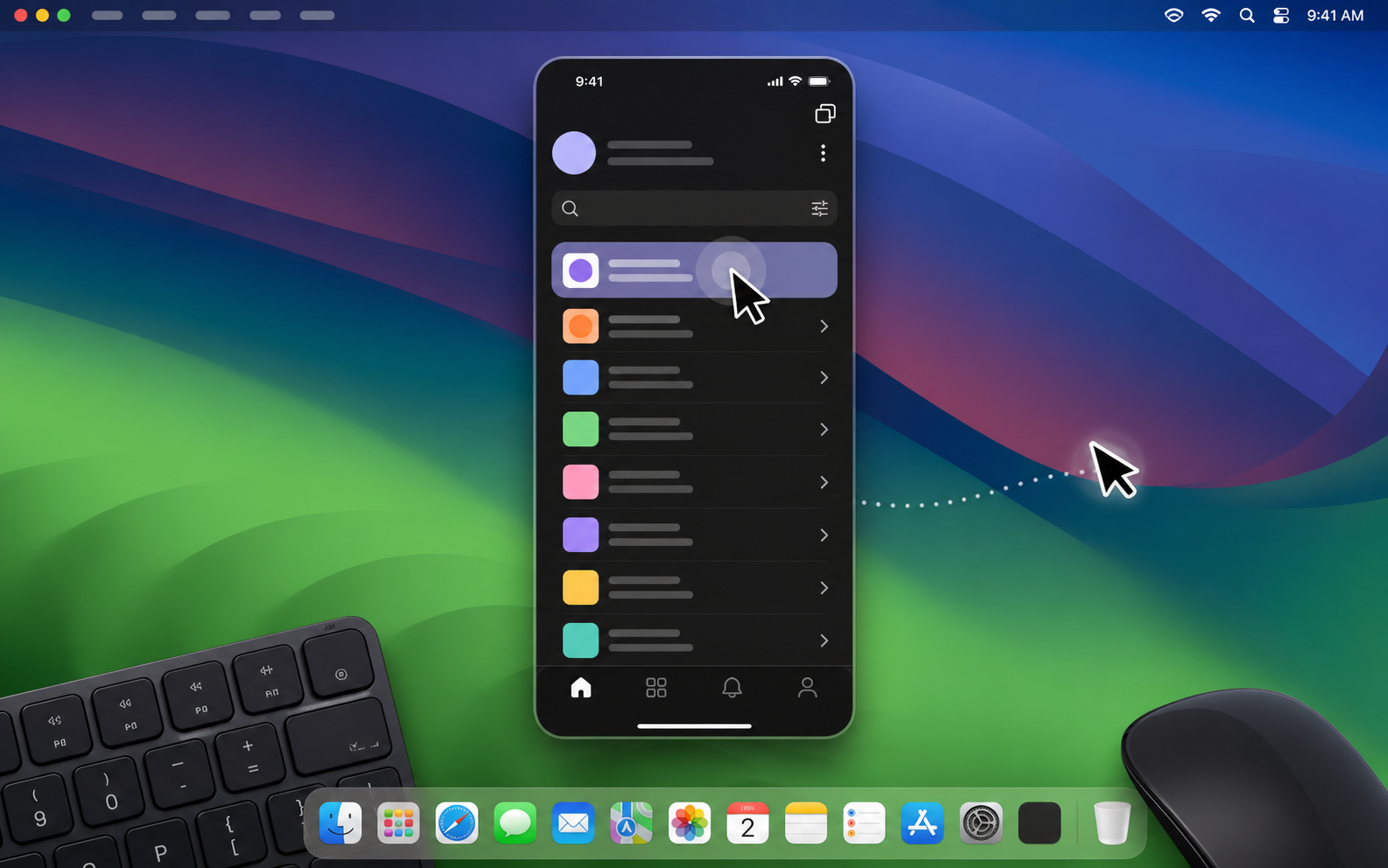
Games
Bring mobile games into a larger desktop setup and use Mac input when the game and interaction model fit. It is a promising use case, but we should avoid promising every game will feel native.
Learn more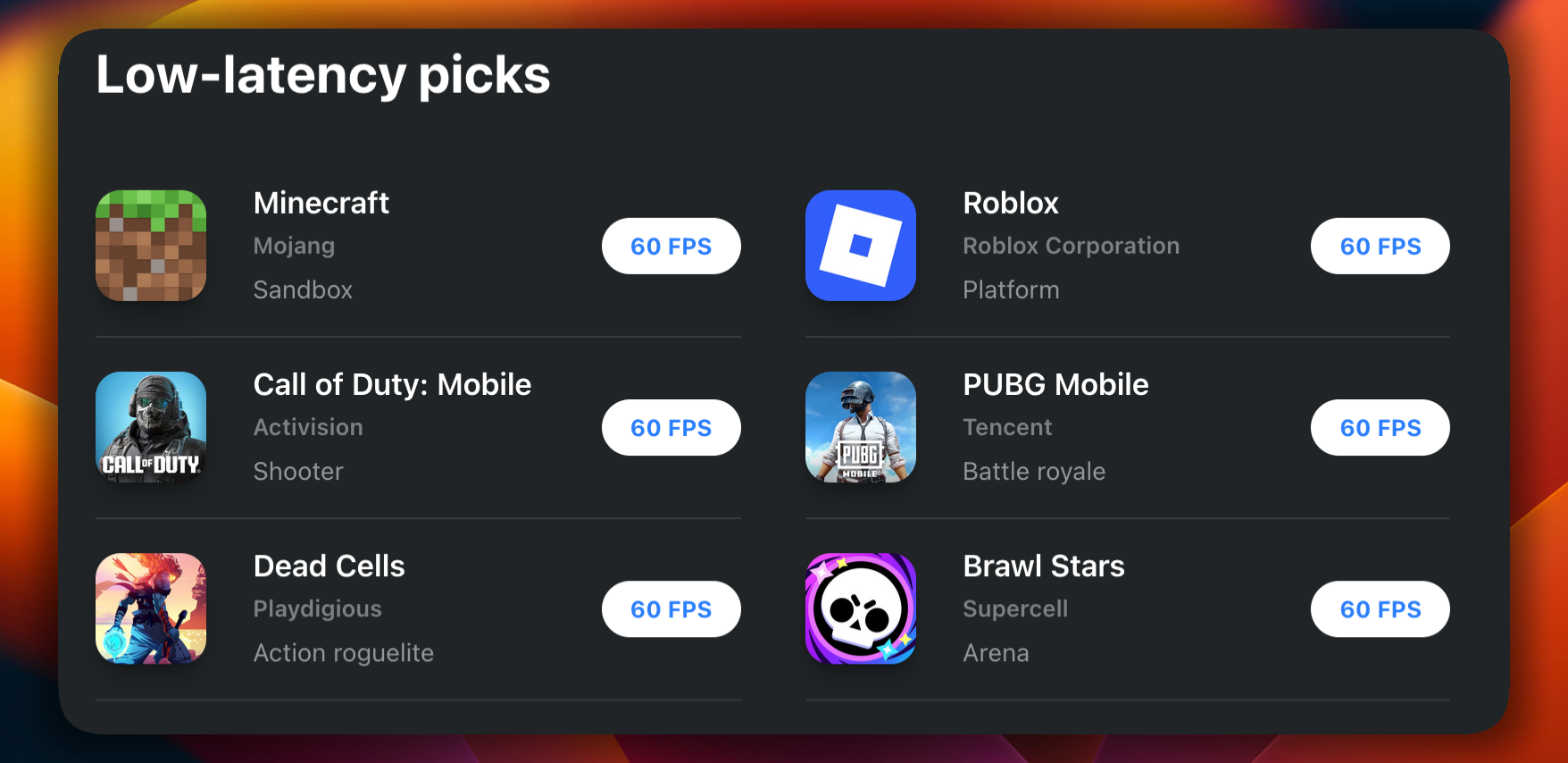
2FA
Keep trusted codes visible when you are signing into something on the Mac. Specchio mirrors what you control on your own device; it should never sound like it captures credentials.
Learn more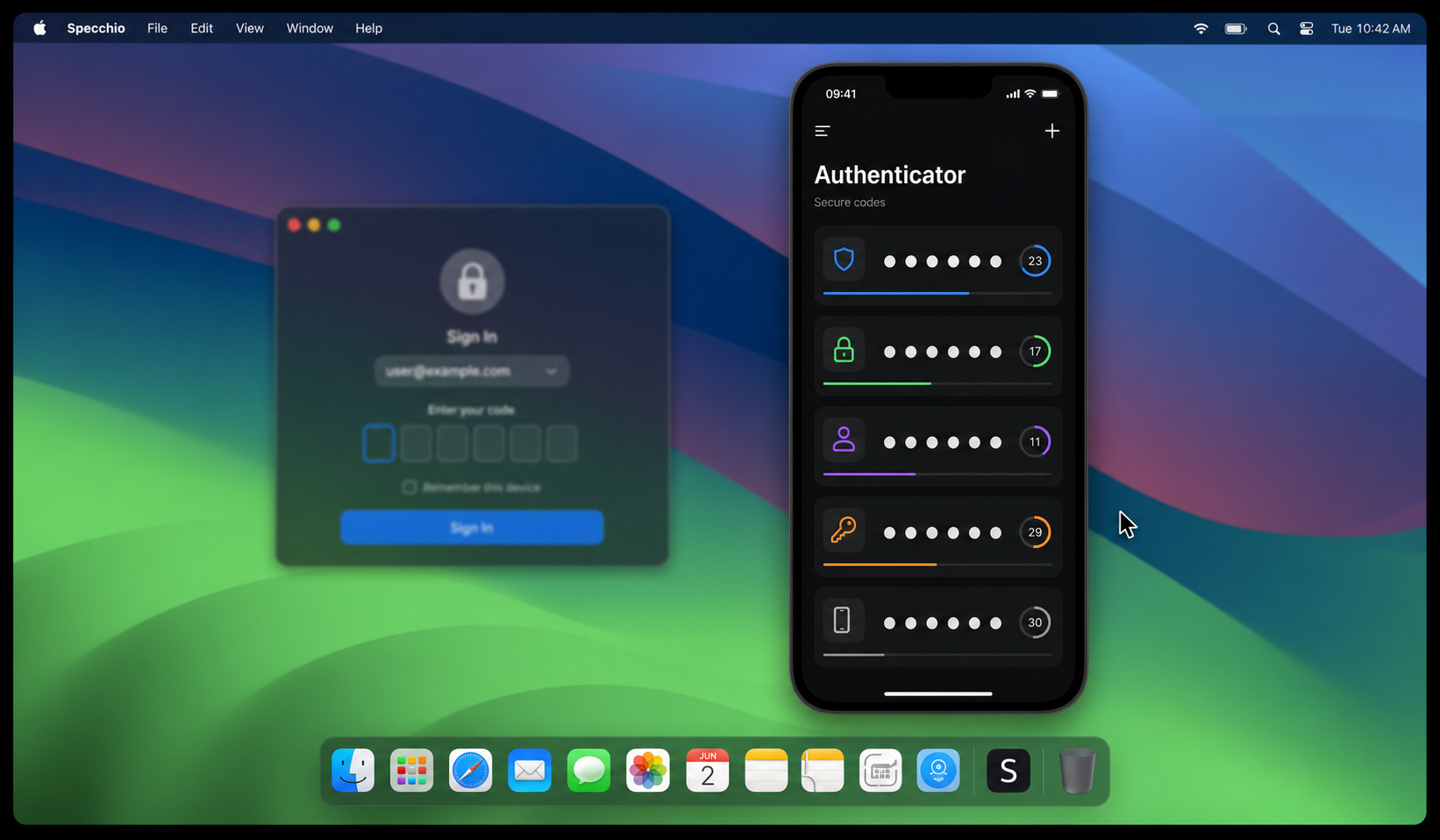
Privacy
There is a real everyday use case here: people want to check the phone without making the phone the center of attention. A quick privacy switch-back can make that feel safer and less disruptive.
Learn more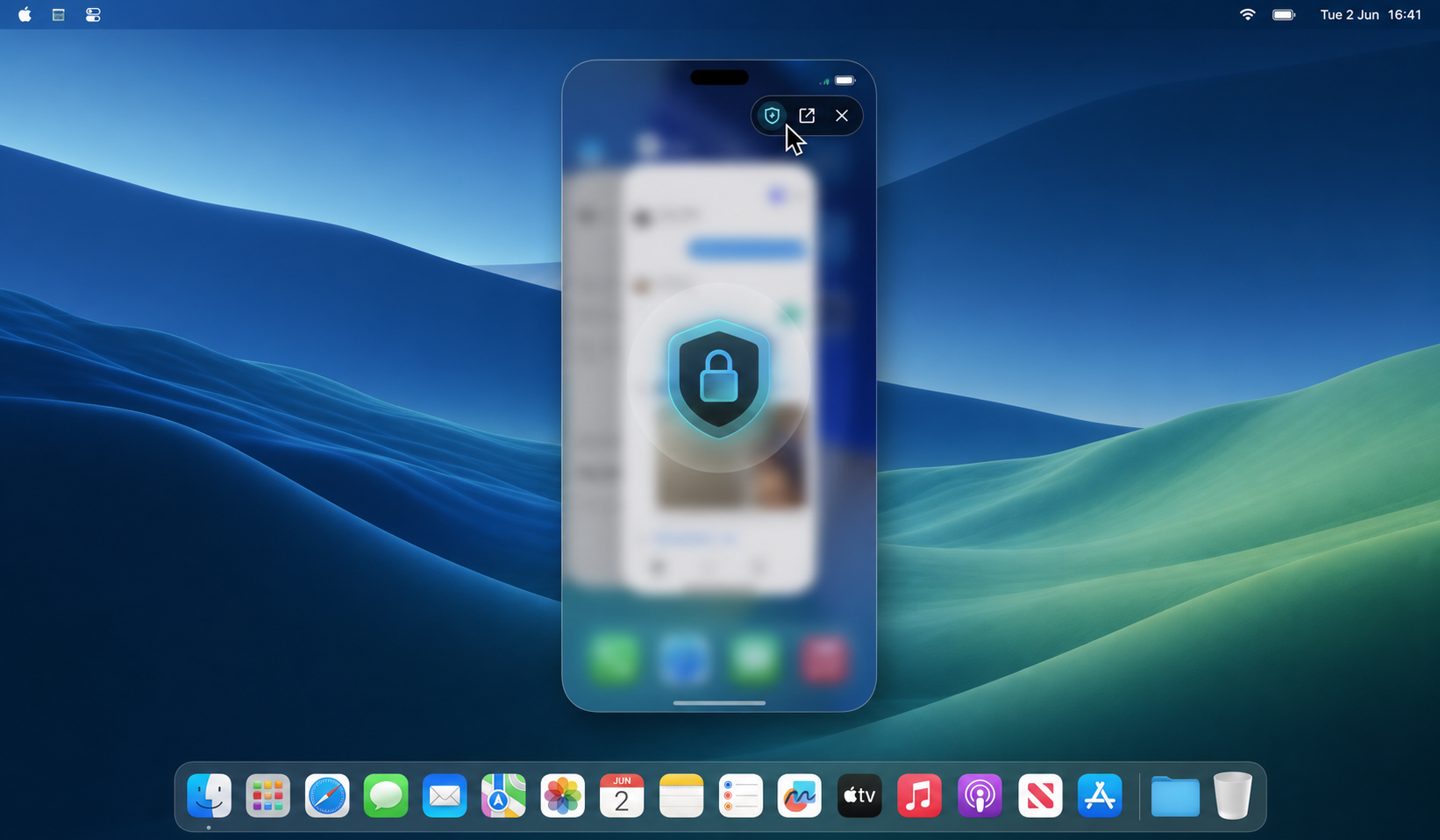
Charging
If the phone is on a cable, stand, MagSafe charger, or another desk, Specchio keeps it usable from the Mac you are already sitting at.
Learn more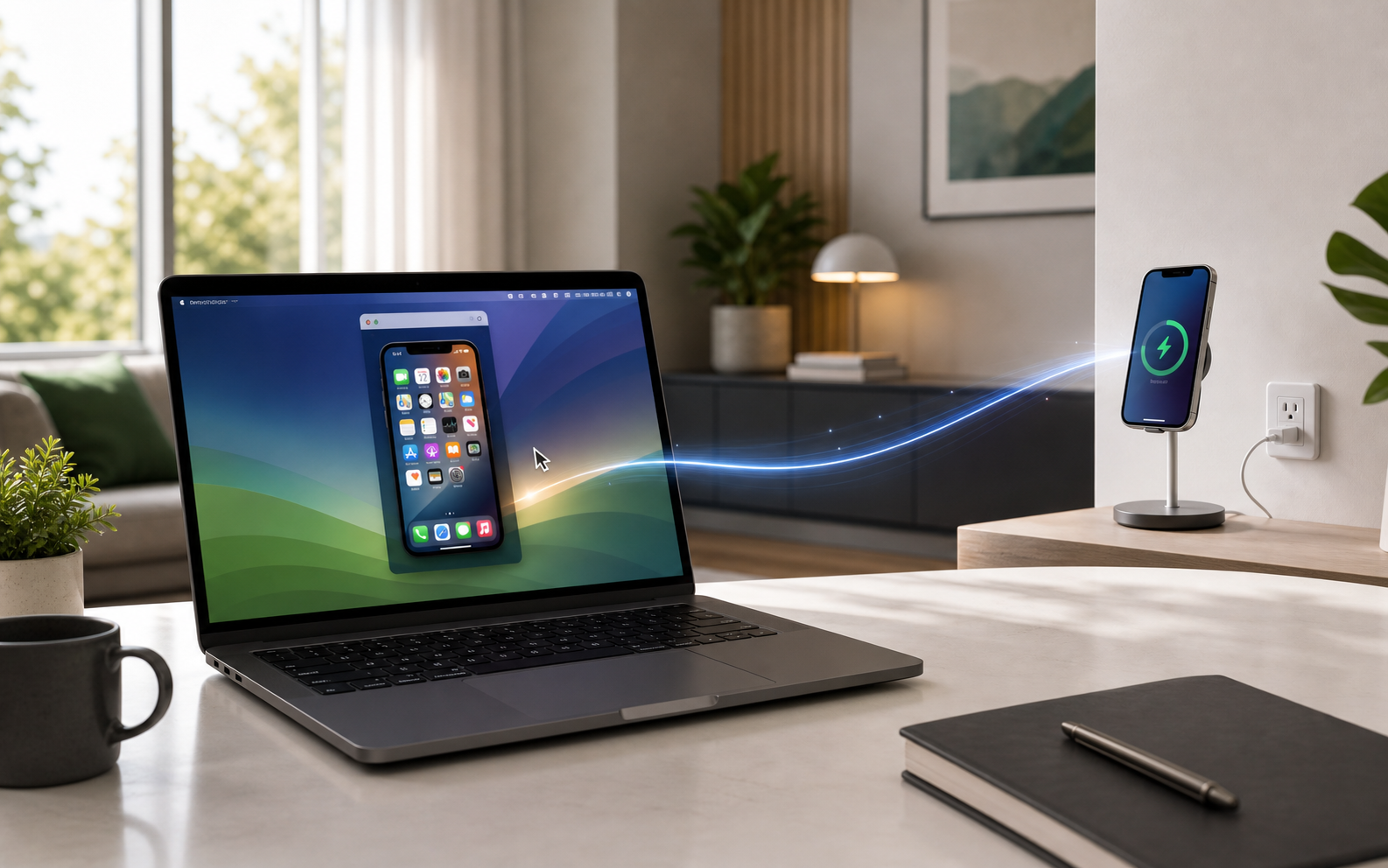
Development
Developers can keep the real device beside their editor, logs, browser, and issue tracker. It is a more honest workflow for mobile details the simulator does not fully capture.
Learn more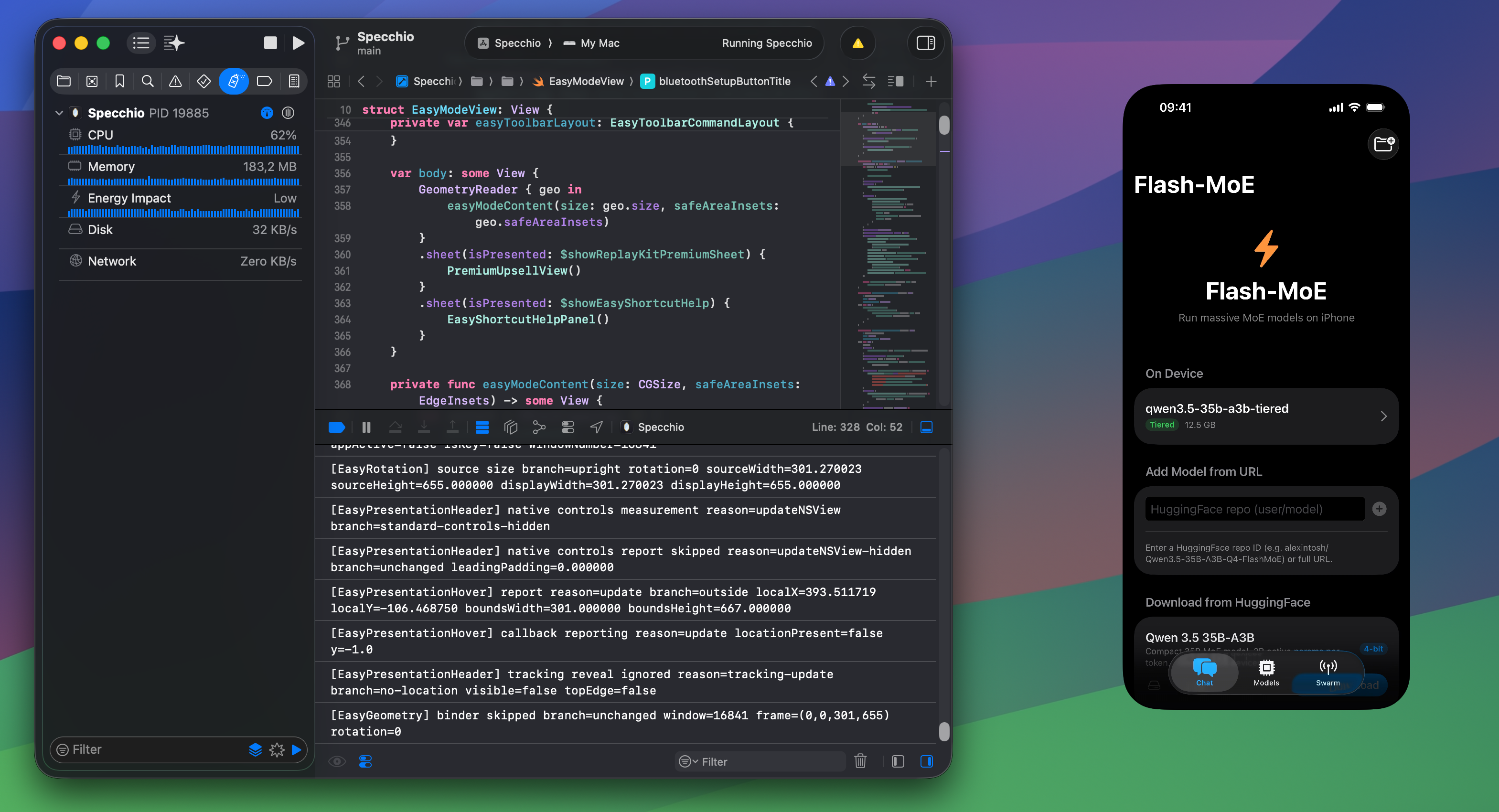
Banking
Many financial apps still assume the phone is the primary device. Mirroring and control can bring those mobile-only flows into the desktop moment, with local-first privacy language doing the trust work.
Learn more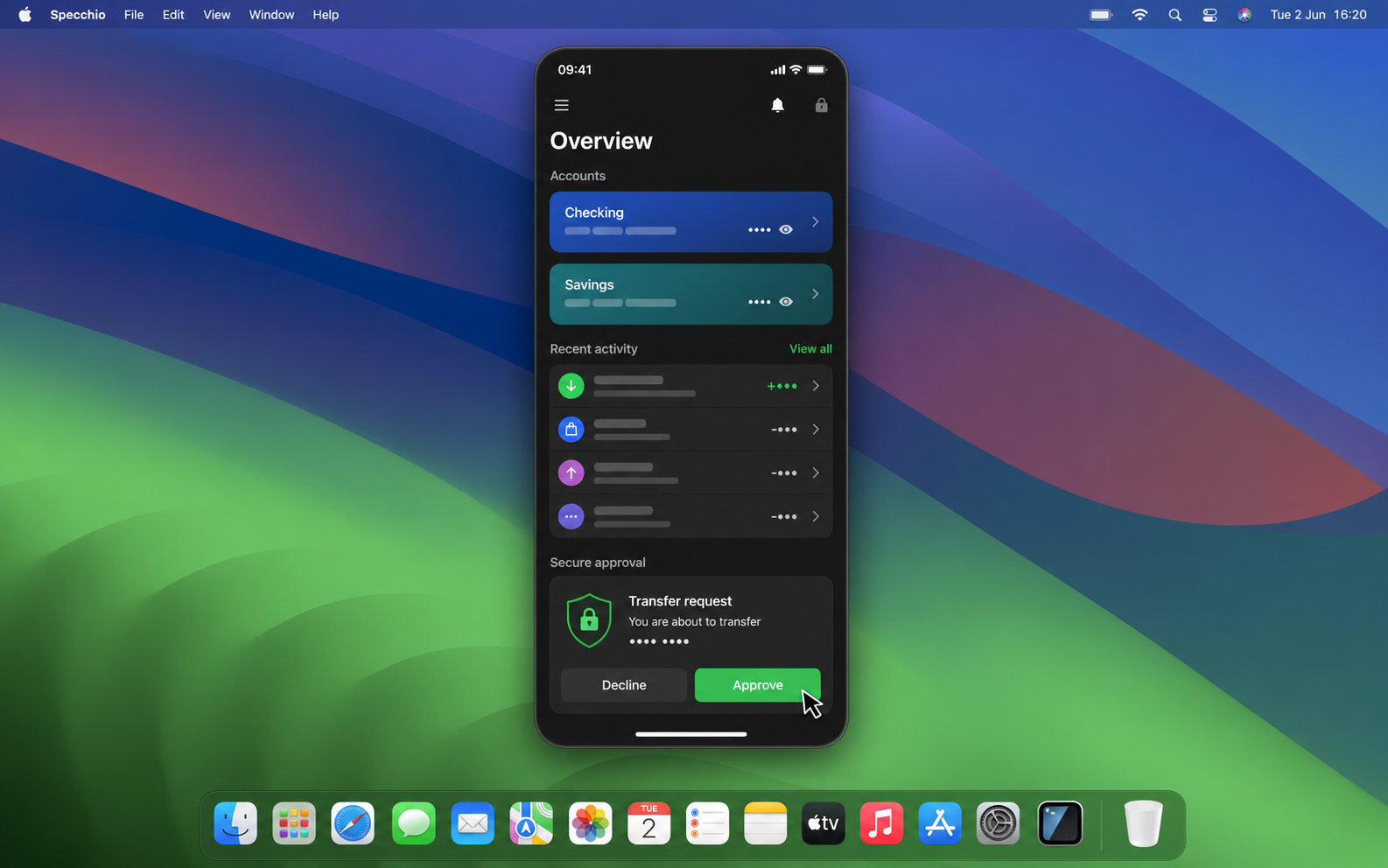
Mobile-only services
When a service is better on iPhone, or only practical there, Specchio lets the task happen from the Mac instead of forcing a context switch.
Learn more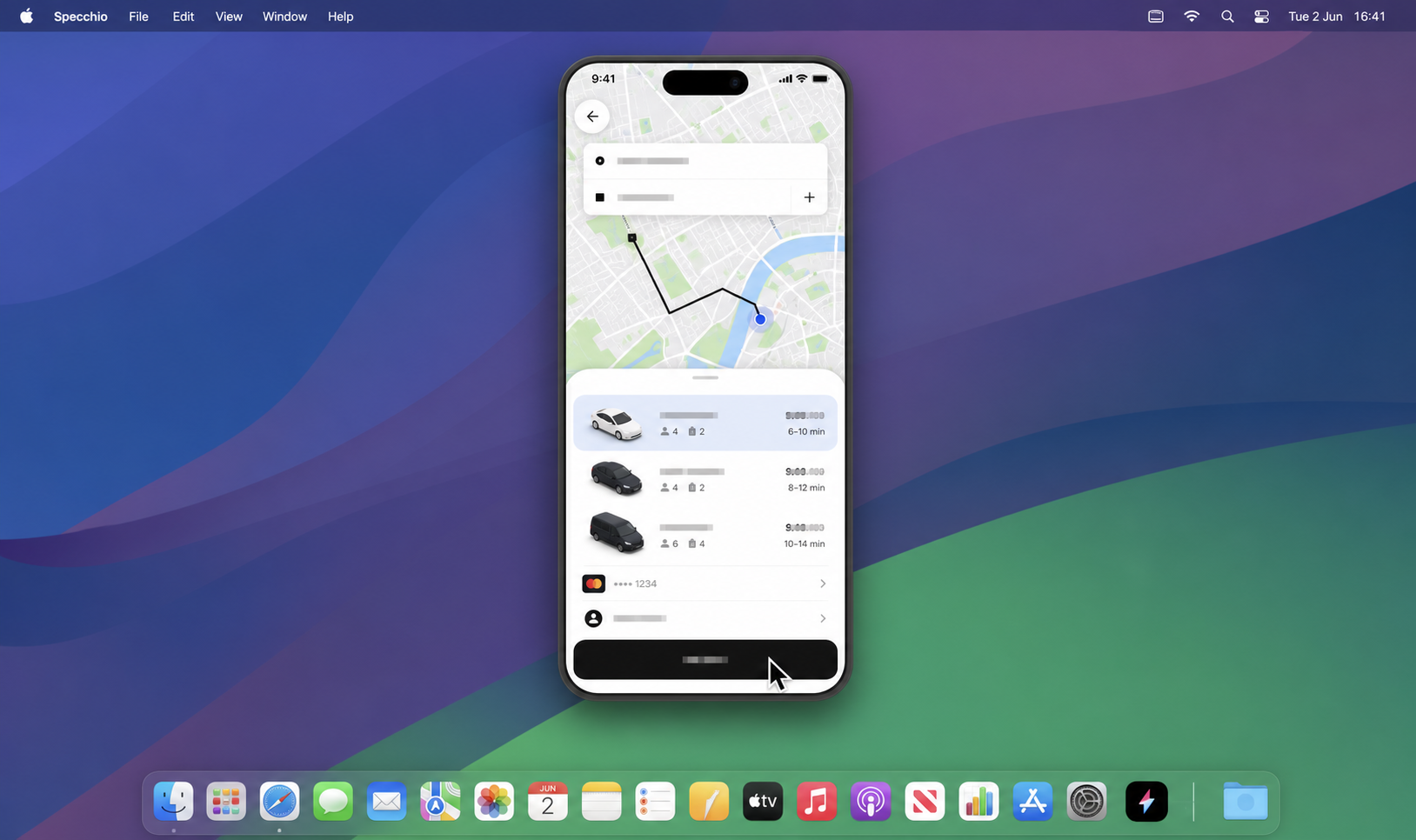
Fast to launch, visually quiet, and focused on one job: keeping your iPhone usable without pulling you out of macOS.
Pricing
Keep the free USB path for quick checks, or unlock the smoother, faster workflow built for daily use.
A real way to test Specchio, with the limits you would expect from a free plan.
€0
The version that makes Specchio feel like a daily Mac workflow.
€29 one time
For people who use Specchio across more than one iPhone or serious workflows.
€49 one time